Goldlink Inventory Control

Goldlink’s Inventory Control

AI-Powered Inventory Manager

The complete inventory solution for your business. Scan, describe, price, and sell — all from your iPhone or iPad.

Download on the App Store Android betaBecome a tester

Powerful Features

Everything you need to manage inventory like a pro

🤖

AI Photo Description

Snap a photo and let AI describe your items instantly. Supports Gemini, OpenAI, and Ollama.

📷

Barcode Scanning

Scan any barcode or QR code and automatically look up product details.

💰

eBay Price Lookup

Instantly check eBay sold prices to know exactly what your items are worth.

🖼️

Multi-Photo Per Item

Attach multiple photos to each inventory item for complete documentation.

🛒

Built-in Point of Sale

Ring up sales directly from your inventory with the integrated POS system.

🔗

WooCommerce Integration

Sync your inventory directly with your WooCommerce online store.

📊

Dashboard & Charts

Visual analytics and charts to track your inventory value and sales trends.

🏷️

Label Printing

Print QR codes, barcodes, and price tags right from the app.

See It in Action

Screenshots from the app

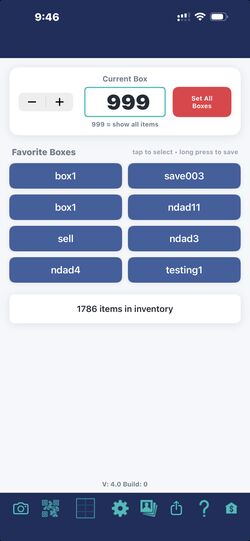
Main Screen
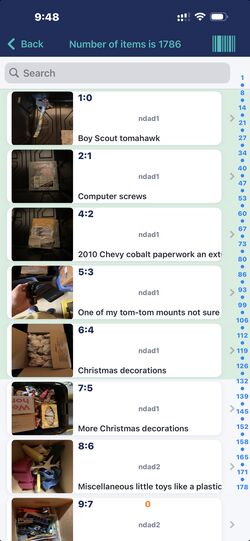
Items List
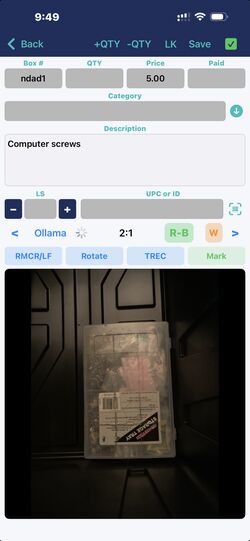
Edit Item
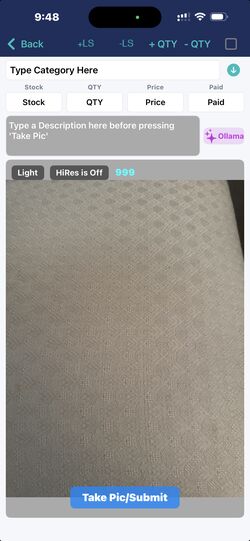
Camera Screen
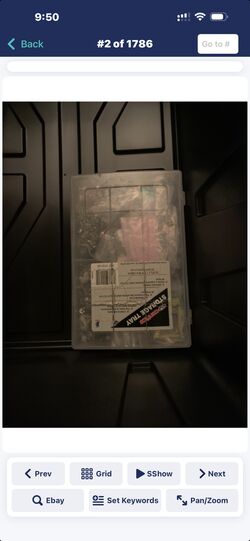
Photo Browser
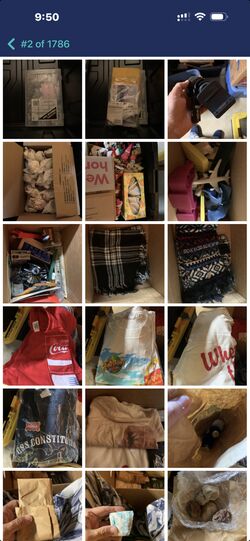
Photo Grid
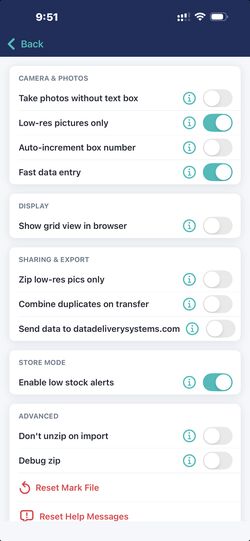
Settings
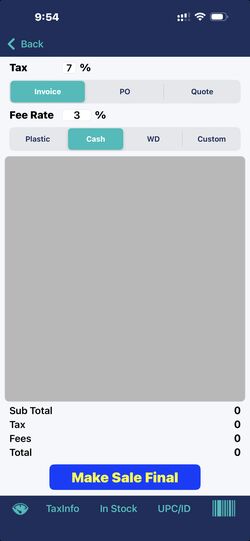
Store
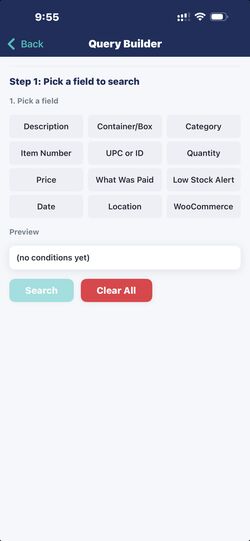
Query Builder

Watch & Learn

The overview, the estate-sale walkthrough, and short how-to videos for every feature.

Goldlink’s Inventory Control

The overview. (1:56)

  • Photos, descriptions, categories, quantities, prices, and what you paid
  • QR and barcode labels, boxes and rooms
  • Search by anything
  • A built-in store for sales, with receipts
  • An insurance report by room and category
  • Optional sync across phones, with a website

For estate sales

Catalog a house, label it, keep each estate separate, and ring up sale day. (1:35)

  • A separate inventory for every estate, with its own items, photos and people
  • Invite your crew as editors or viewers
  • QR labels for rooms and items
  • Ring up sale day from your phone, with receipts
  • Export a catalog, with photos, for an auction site

Stickers get moved

At a sale, a price sticker is easy to swap. See how scanning the item’s own QR label catches it. (0:52)

  • A price sticker can be moved, but the item’s record can’t
  • Scan an item’s QR label and see its photo and its real price
  • If the picture is not the item in your hand, you know right away
  • Look up the right item and offer the real price

The price-tag swap

A $60 lamp rings up at $24.47. See what the store loses, and how scanning the item’s own QR label catches it. (0:41)

  • Without a check, the swapped tag sets the price and the store loses the difference
  • Scan the item’s own QR label with your phone
  • The app shows the item’s real price next to the tag’s price
  • Catch the swap at the register
How to use it

Pack a box, label it, scan it

What should I sell it for?

Boxes and Current Box

Adding an item

Setting up the AI

Printing labels

Finding anything

Making a sale

Backing up and sharing

Companion sync

Several inventories

The insurance report

The dashboard

Ready to Take Control?

Download Goldlink’s Inventory Control and start managing your inventory smarter today.

Download on the App Store Android betaBecome a tester